Deception technology.
Wherever you want.
The open-source Canary builder. Turn any Linux machine into enterprise-grade deception in 60 seconds.
Deploy. Forget. Detect.
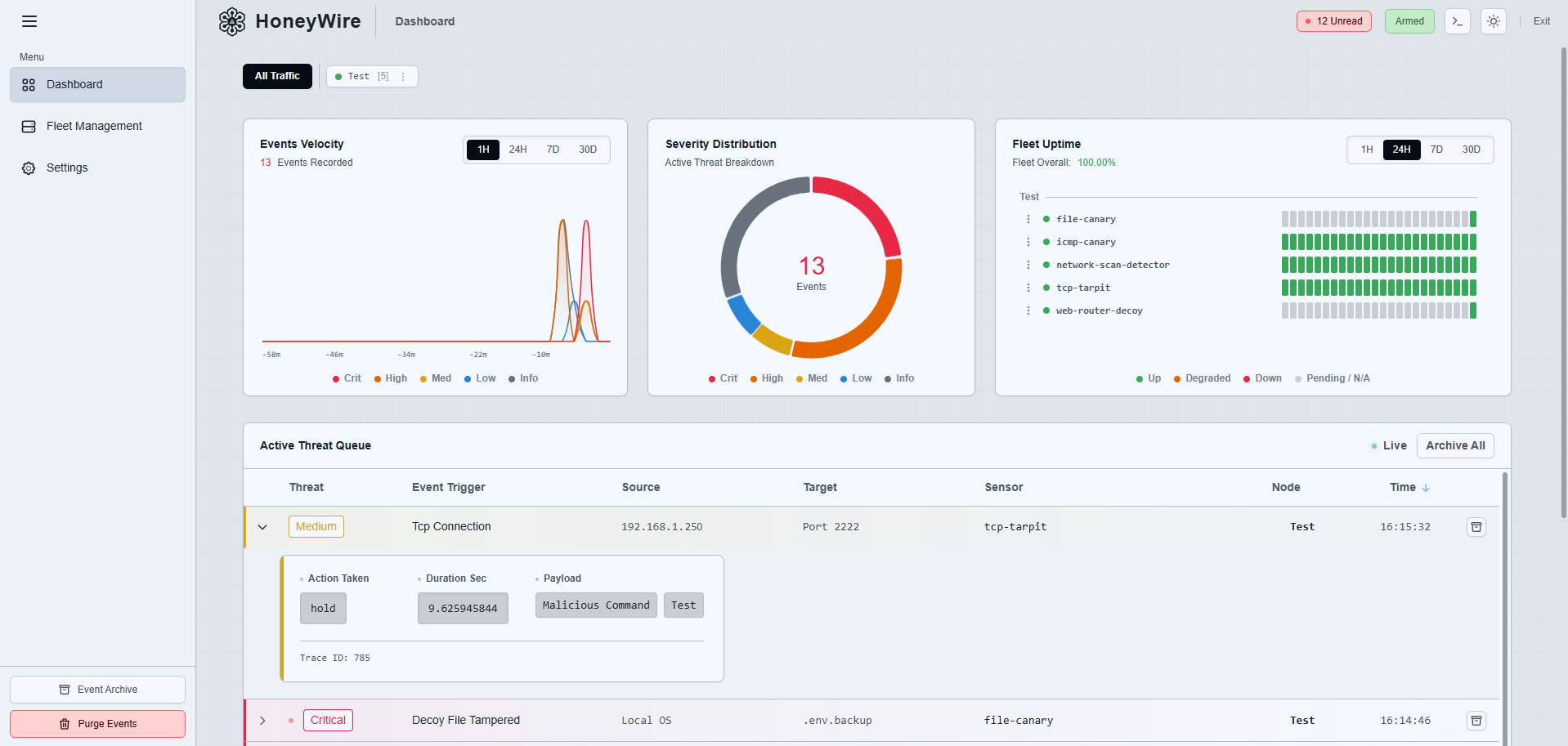
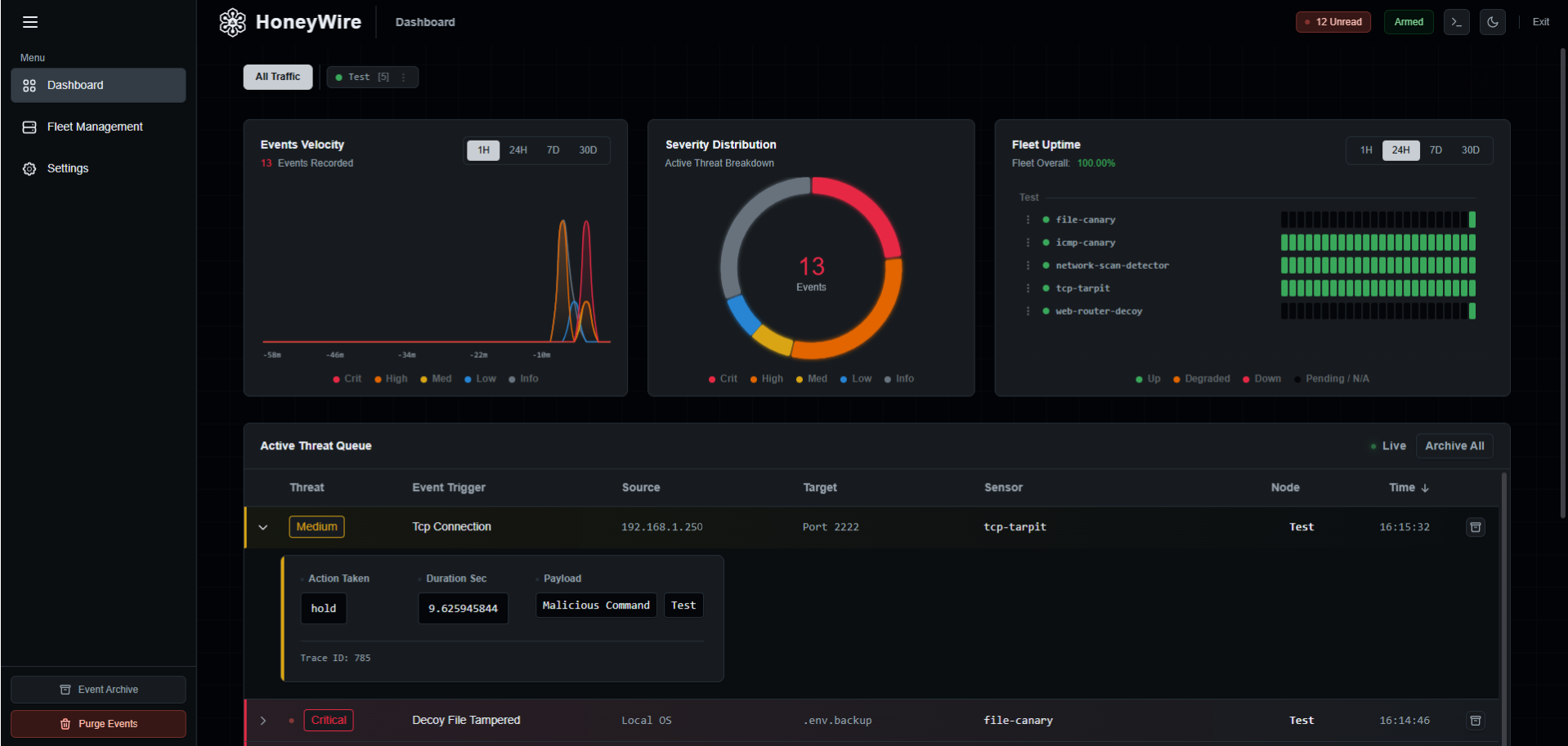
Why Deception Technology?
Perimeter defenses fail. When attackers breach your firewall, they prowl your internal network, sit there for months looking for juicy targets, active directories, and databases. HoneyWire turns your network into a minefield for intruders.
The ultimate signal-to-noise ratio
Standard security tools drown you in logs, requiring complex heuristics and dedicated teams just to filter the noise. A HoneyWire is entirely fake and hidden. It has absolutely zero legitimate reason to be accessed. If it alerts, you have an intruder.
Instant awareness
Detect lateral movement, network enumeration, and credential harvesting the exact millisecond they happen. Don't wait for data exfiltration to realize you've been breached.
Modern security compliance
Deception technology is explicitly recommended by leading cybersecurity frameworks. NIST SP 800-172, MITRE Engage, and advanced Zero-Trust models categorize it as a critical active defense mechanism.
How HoneyWire works
Deploy your HoneyWires
Stand up a fake Router Login Page, a Honeytoken File canary, a Network Scan Detector and many more HoneyWires anywhere on your network using our simple TUI CLI wizard.
Wait in silence
Your HoneyWires run silently in the background. Because they are distroless and purely fake, legitimate users and automated systems have no reason to interact with them.
Catch the intruder
Attackers pivoting through your network will inevitably touch the HoneyWires. The second they do, they fire a high-fidelity alert to the Hub, instantly forwarding it via Ntfy, Gotify, Discord, Slack, or your SIEM.
Total Control. Zero Friction.
Manage your fleet visually through a central self-hosted Hub, or automate everything via the zero-footprint CLI wizard.
Centralized Visibility
Ditch the manual JSON configs. Your deployed HoneyWires connect to a control center that handles configuration and fleet management.
Event Routing
When an incident occurs, the Hub instantly processes telemetry and fires off alerts to the integrations you've configured. Set it up once, and let it work.
Zero-Footprint
The Honeywire CLI Wizard is built to leave no trace. Automate manual operator tasks instantly without installing heavy agents.
Reconcile at the Edge
Apply Hub states directly via the CLI, instantly converting local deployments into centrally managed sensors.
Micro-Sensors.
Massive Impact.
HoneyWire sensors are built for the edge. Each sensor is a single, statically compiled Go binary running inside a distroless, least-privilege Docker container.
Sub-5MB Footprint
Ultra-lightweight distroless images that pull and deploy in milliseconds.
Zero Dependencies
No shell, no package manager, no OS bloat. Just the compiled Go logic.
Virtually Zero CPU & RAM
Runs completely unnoticed by monitoring tools, reducing infrastructure cost to zero.
See HoneyWire in Action
Watch how easy it is to deploy a tripwire and catch an intruder in under 60 seconds.
Declarative, Operator-Led Sync
Nodes never accept inbound hub connections, nor do they silently mutate state in the background. Changes only execute when you explicitly run honeywire apply, giving you total auditability over your environment.
Zero-Friction UX
Advanced deception shouldn't mean complex orchestration. HoneyWire pairs single-binary speed with intuitive CLI tooling to make deployment effortless.
Ready to set your traps?
Get the Hub running locally in seconds.
Save the file below as docker-compose.yml and run docker compose up -d.
  name: honeywire-hub
  services:
  # 1. THE PERMISSION FIXER: Runs once to ensure the Hub can write to the data volume
  permission-fixer:
    image: alpine:latest
    container_name: honeywire-permission-fixer
    command: sh -c "chown -R 65532:65532 /data"
    volumes:
      - ./honeywire_data:/data

  # 2. THE HUB: The central Go-based dashboard and API
  hub:
    image: ghcr.io/andreicscs/honeywire-hub:latest
    container_name: honeywire-hub
    restart: unless-stopped
    ports:
      - "8080:8080"
    volumes:
      - ./honeywire_data:/data
    depends_on:
      permission-fixer:
        condition: service_completed_successfully

    # Strict Security Sandbox
    user: "65532:65532"
    read_only: true
    cap_drop: ["ALL"]
    security_opt: ["no-new-privileges:true"]

    environment:
      # Required if not using HTTPS, in production it is highly recommended to remove this
      # and run the Hub behind a reverse proxy using HTTPS.
      - HW_ENV=development
      - HW_PORT=8080
- HW_DB_PATH=/data/honeywire.dbDeployment requires a desktop terminal. Save the script to your clipboard for later.
Scaling to the Enterprise?
HoneyWire's core is unapologetically open-source. But scaling deception shouldn't mean scaling your workload. If you need corporate compliance, granular access controls, HA integrations, a fully managed Cloud Hub, or other enterprise features, let's talk.
or contact at [email protected]
Pro features on the roadmap:
- SAML / SSO IntegrationPlug directly into Okta, Entra ID, or Google Workspace.
- Role-Based Access ControlGranular permissions for SOC analysts vs. infrastructure admins.
- Cloud HubCloud hosted Hub for seamless deployment and management.
- Advanced SIEM ForwardingNative Splunk, CrowdStrike, and Datadog data pipelines.
- Audit LogsComprehensive tracking of all user actions and system changes.
- Compliance ReportsAutomated reporting for SOC 2, ISO 27001, and HIPAA requirements.
Latest Insights
Discover our latest research, case studies, and integration guides on cyber deception.
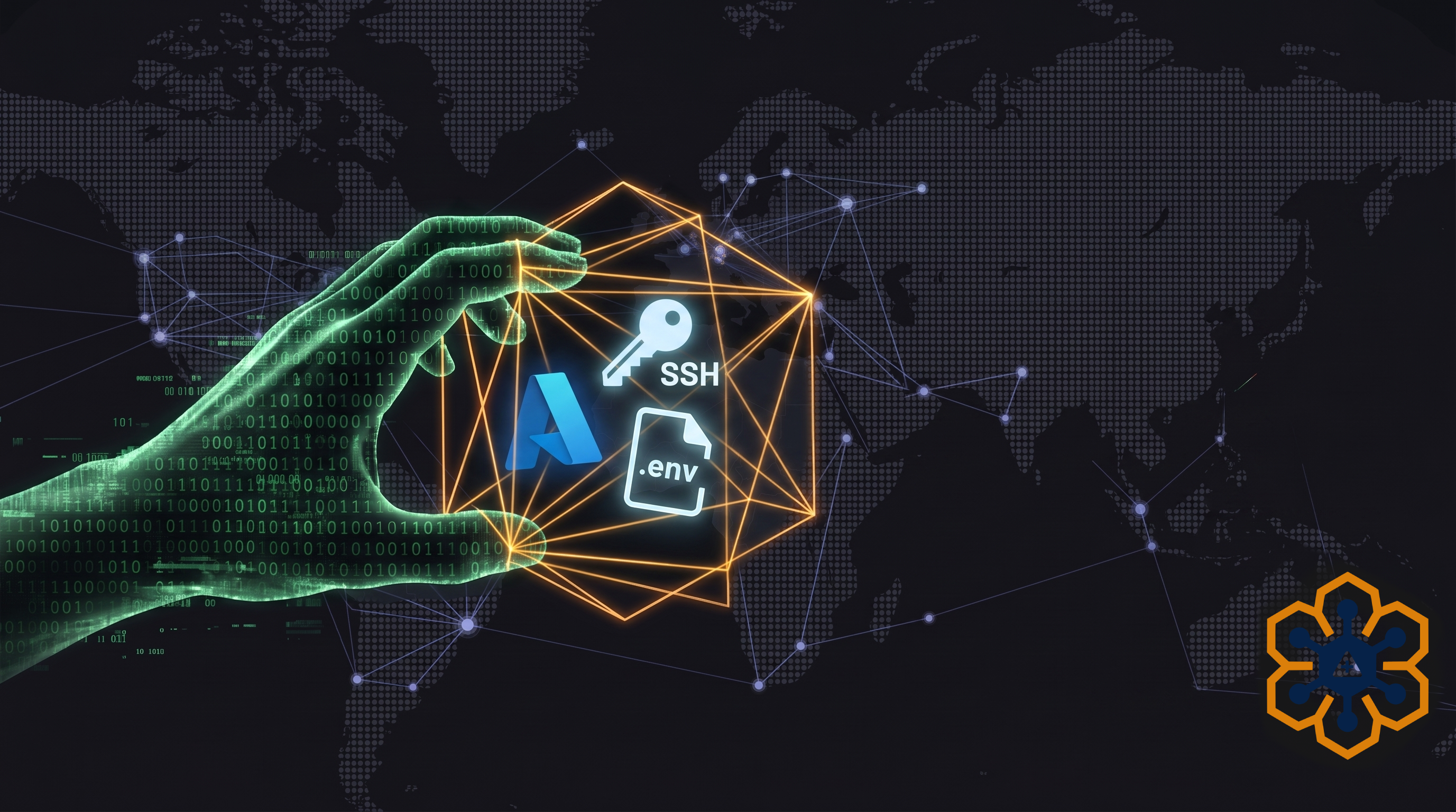
Trapping the Accenture Cloud Breach
The July 2026 Accenture data breach exposed 35GB of source code and Azure Personal Access Tokens. Learn why traditional EDR failed and how HoneyWire file canaries trap credential scraping instantly.
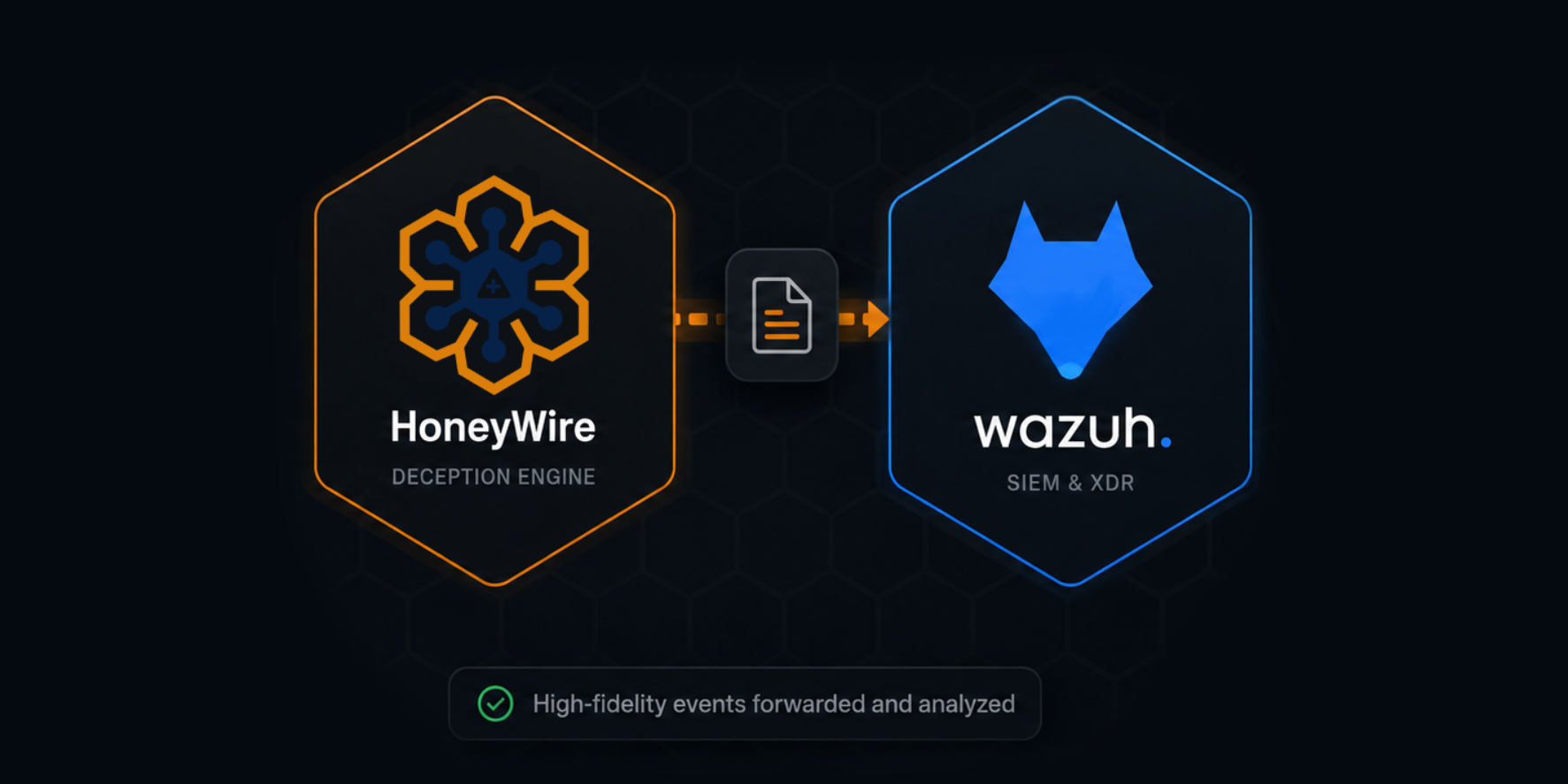
HoneyWire and Wazuh Integration
HoneyWire seamlessly integrates with Wazuh to provide enhanced deception capabilities and powerful threat detection across your infrastructure.